Warp Table
Fast tables for large pages
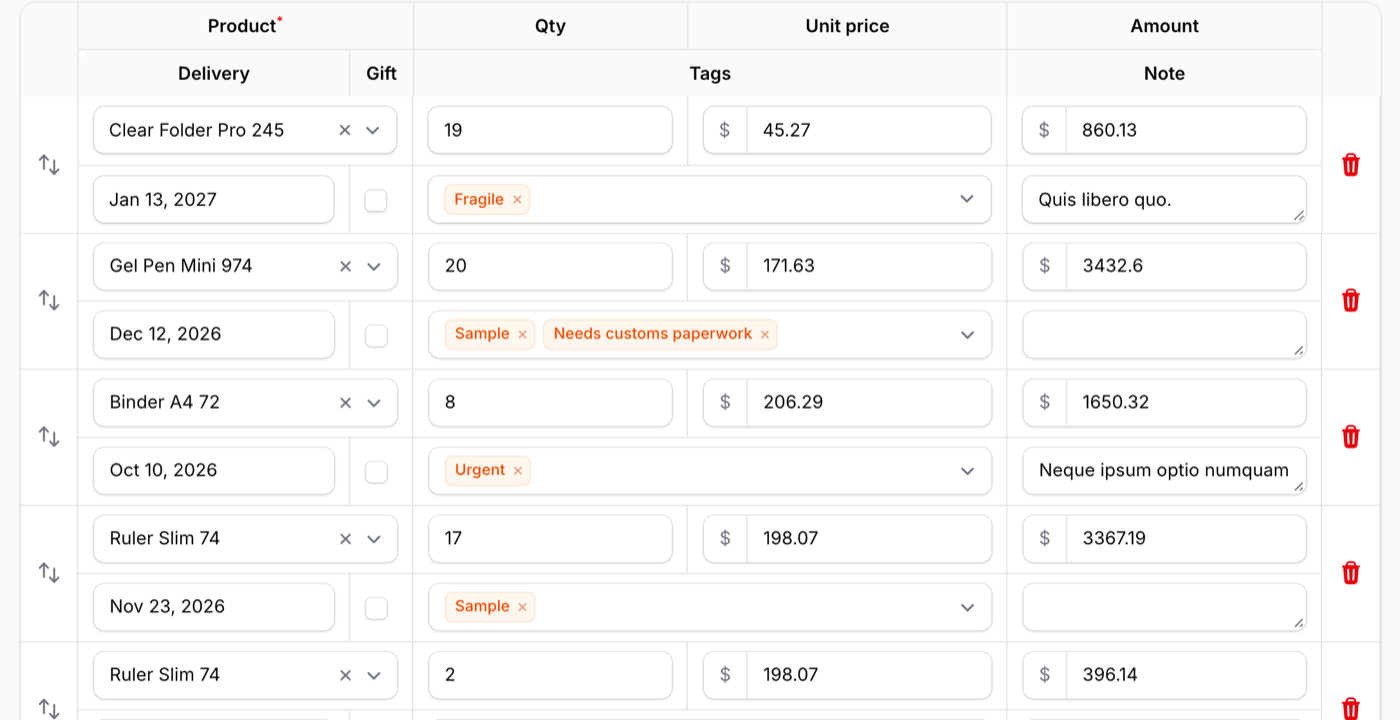
Rows drawn on a canvas, with a sticky header and ledger-style multi-level rows, while sorting, actions and inline editing behave exactly like the native table.
Single Project $69 · Unlimited Projects $149
1.5.1 passed all 42 setups · Nov 19, 2026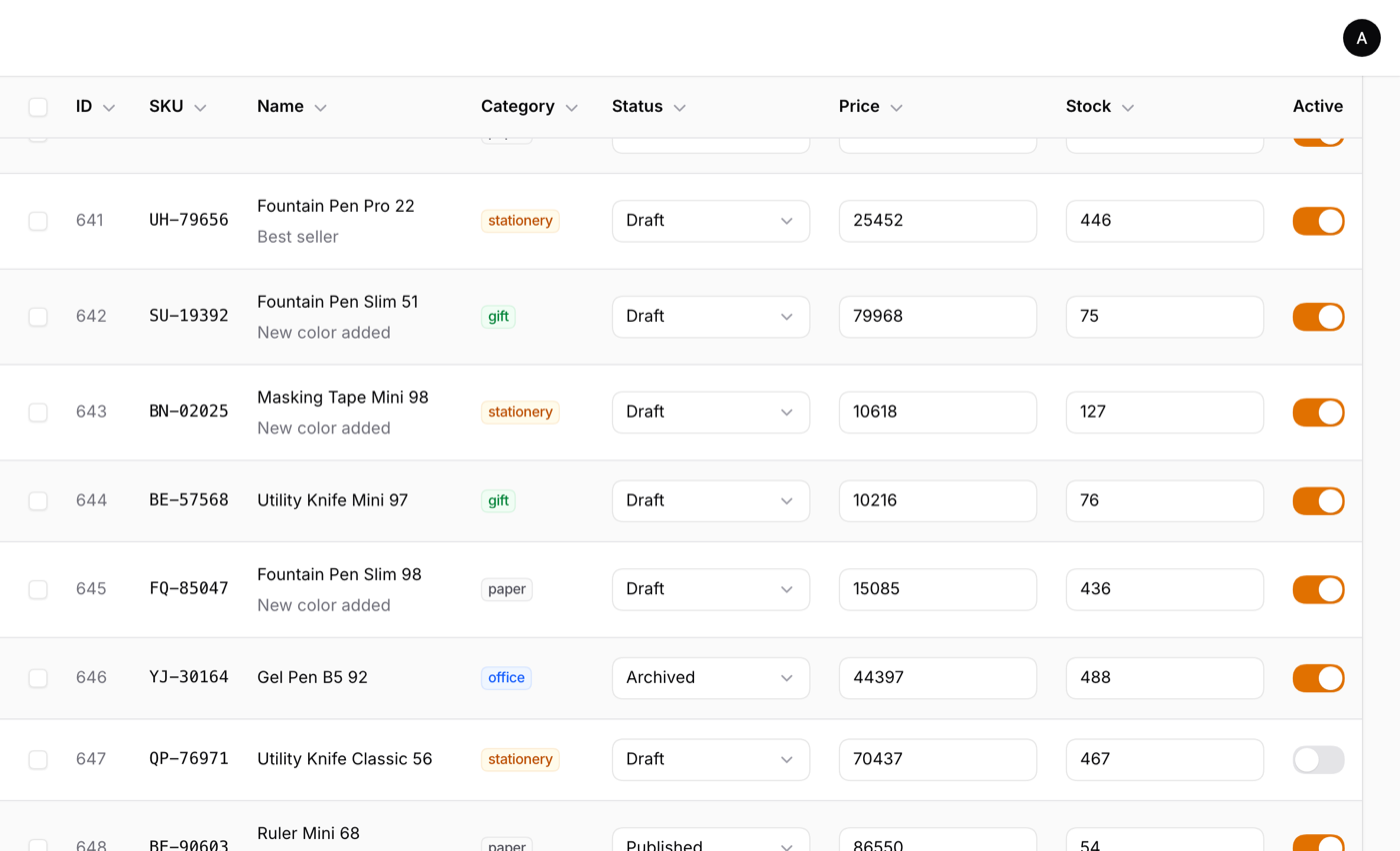
1,000 editable rows, measured in Chrome in the live demo
Ten columns per row, with text inputs, selects, toggles and checkboxes. Run the same comparison yourself in the Speed Lab.
- Page load
- 0.6 s vs. Filament's own table: 10.4 s
- HTML downloaded
- 0.65 MB vs. Filament's own table: 38.2 MB
- DOM nodes
- 1,488 vs. Filament's own table: 92,821
At 2,500 rows the native table runs out of PHP's 256 MB memory limit; Warp Table renders it in about 1.5 MB.
Try it in the demo →What it does
- Add ->warp() to a table you already have: the same columns, filters, actions and pagination, drawn on a canvas
- A sticky header and frozen columns for wide tables
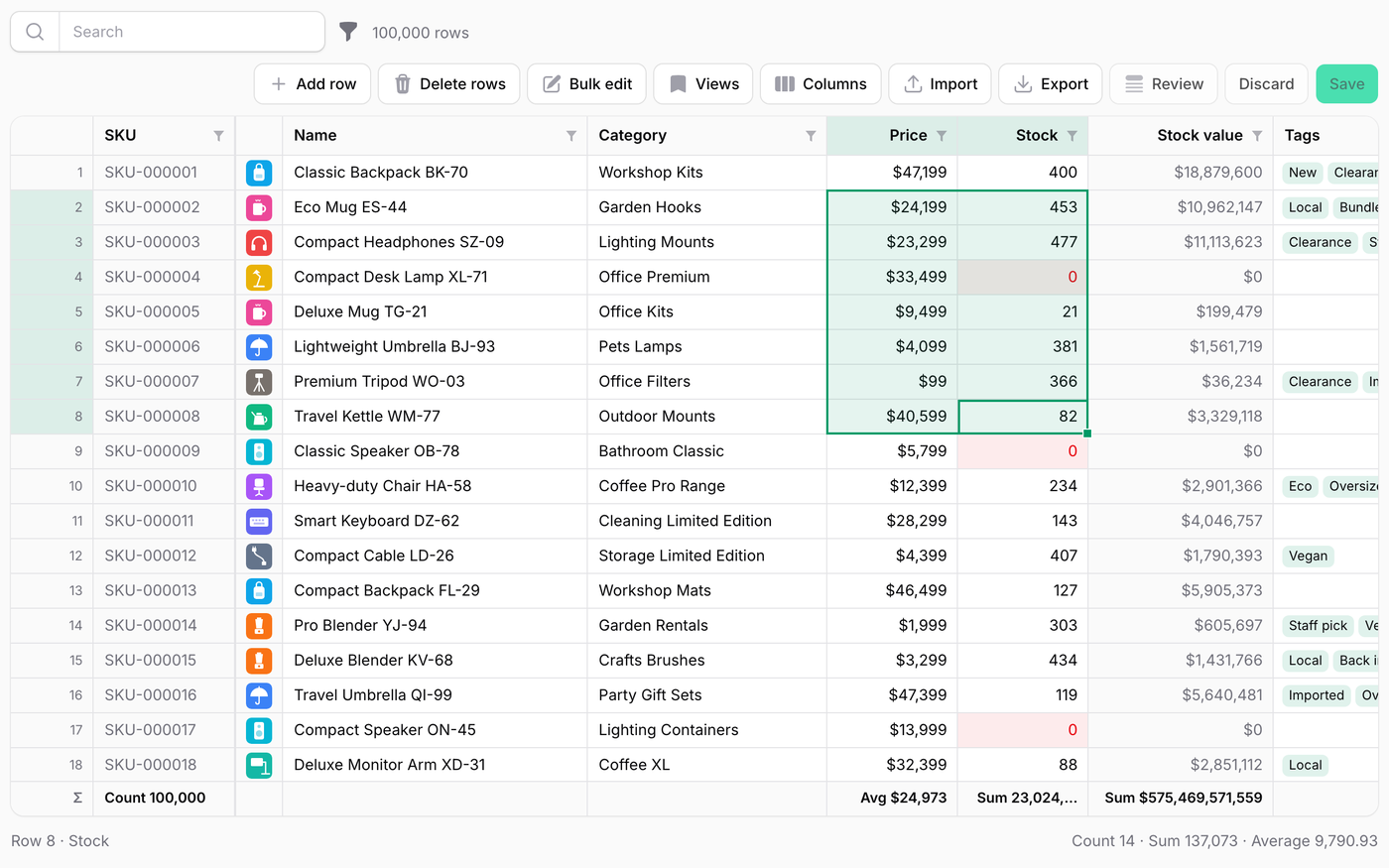
- Drag across cells and copy them with Ctrl/Cmd+C, ready to paste into Excel or Google Sheets
- An entry row under the header: type, Tab, Enter, and the record is created with your resource's own form and validation
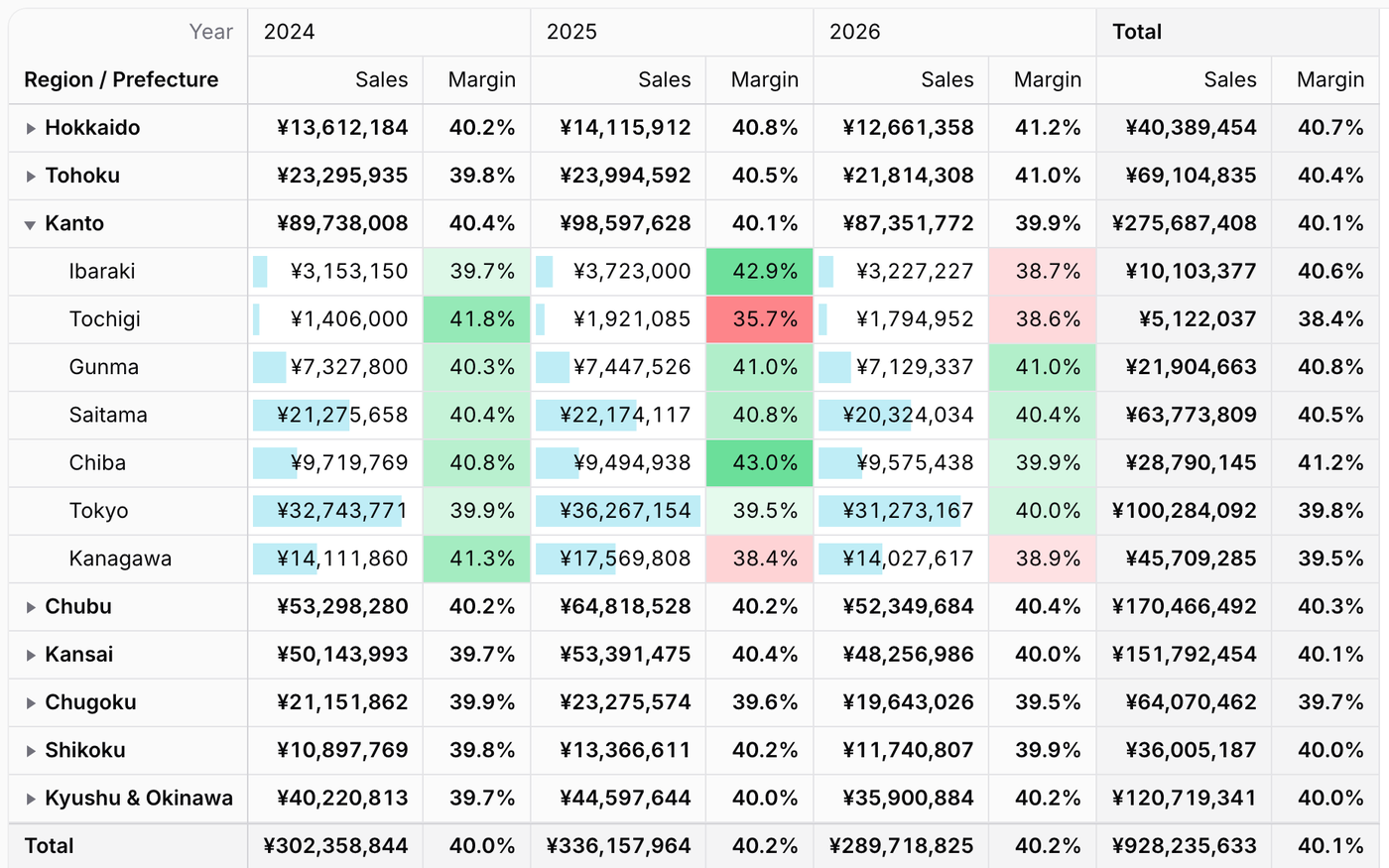
- Sparkline and progress columns, ledger-style multi-level rows, grouping and summaries
Watch it work
Short clips recorded in the live demo. Each one links to the page it was recorded on, so you can try it yourself.
1,000 rows: native vs Warp
The same Filament table loaded side by side, native and with Warp Table, timed by the browser.
Try it in the demo →Frozen columns and copying cells
The first columns stay put while a wide table scrolls. Select cells and paste them into a spreadsheet.
Try it in the demo →Still feels like Filament
Inline editing, validation errors, Shift+click, bulk actions, groups and summaries, and dark mode.
Try it in the demo →Sticky header
Scroll 1,000 rows fast and the header stays in view, next to the native table.
Try it in the demo →Keyboard only
Tab, Space and Enter take you from selecting to editing, with the same focus rings as native.
Try it in the demo →Speed Lab
500, 1,000 and 2,500 rows next to the native table, with the numbers the browser measured.
Try it in the demo →Multi-level rows
One record on two lines with merged cells, like a ledger, and subtotals per date.
Try it in the demo →On a phone
Swipe through the table, tap to edit, or stack each record as a card with stackedOnMobile().
Try it in the demo →In your code
// In the resource
public static function table(Table $table): Table
{
    return $table
        ->warp()
        ->columns([...]);
}Install
After buying, you get an email address and a license key for the private Composer repository. The full steps are in the docs.
composer config repositories.qalainau composer https://qalainau.privato.pub/composer
composer config --auth http-basic.qalainau.privato.pub "your-email" "your-license-key"
composer require qalainau/filament-warp-tableQuestions about Warp Table
- No questions yet. Ask the first one.
More plugins
Filament + AI coding tips, by email
How to fit Warp plugins into your own app and pair them with Claude Code or Cursor: prompts that work, mistakes AI makes, real examples. Once or twice a month. Unsubscribe anytime.
Thanks! You're on the list.
